How to Download GTA 6 on PS5 and Xbox: Official Methods
By Editorial Team — · Updated November 10, 2026
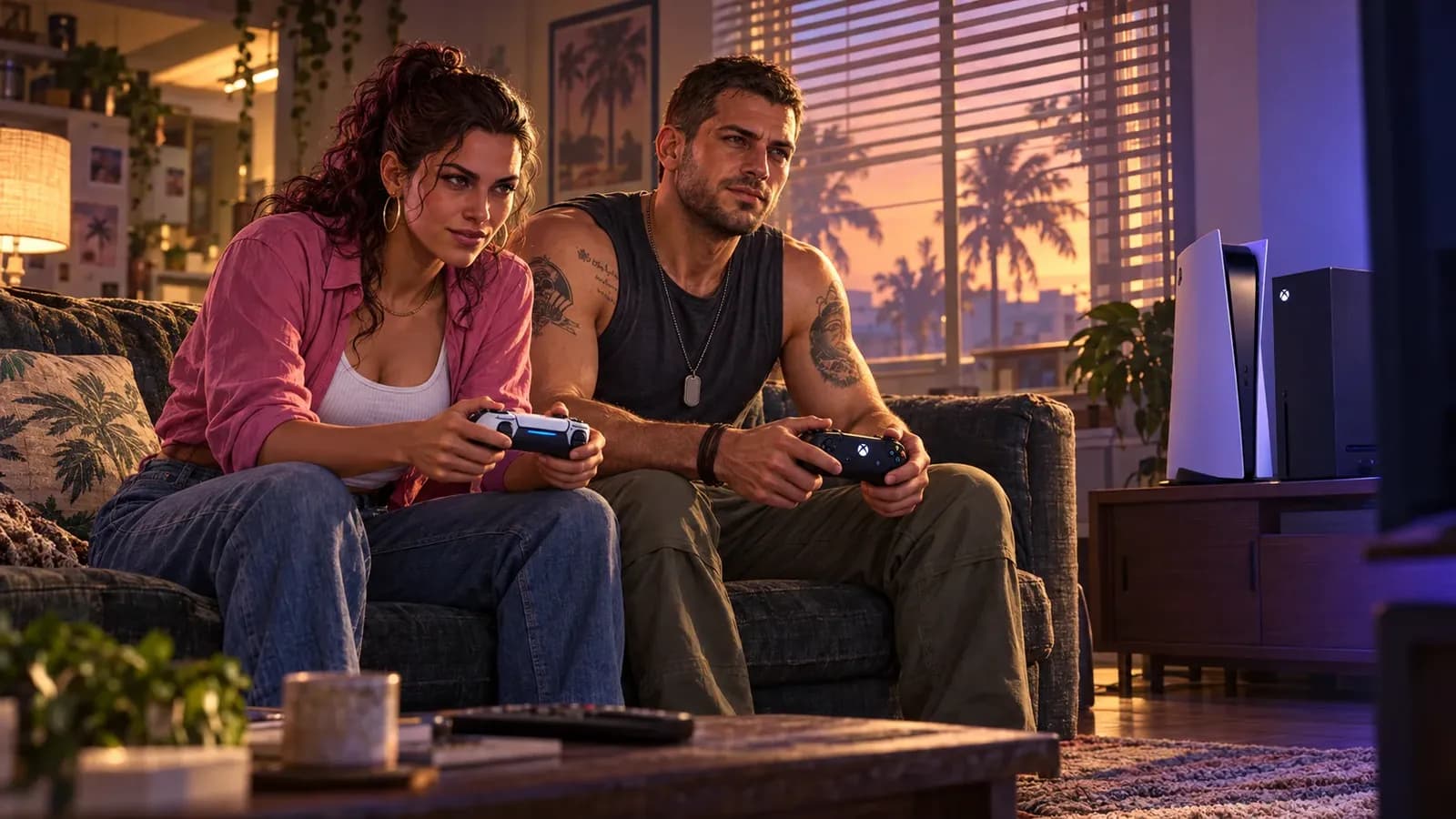
You can only download GTA 6 on PlayStation 5 and Xbox Series X|S, through the PlayStation Store, the Microsoft Store, the Rockstar Store or with a code from the physical edition. Preloading opens on November 12, 2026, and you can start playing on November 19. There’s no way to download GTA 6 for free, on PC or on mobile. Any offer like that is a scam.
GTA 6 Download at a Glance
- Where to download: PlayStation Store, Microsoft Store, Rockstar Store, code in the box
- Platforms: PS5, PS5 Pro, PS5 Digital Edition, Xbox Series X|S
- Preload: From November 12, 2026
- Game unlocks: November 19, 2026
- Storage needed: 150 GB or more (estimate)
- Free version: No
- PC and mobile: No
Where to Download GTA 6 Officially
You can buy GTA 6 digitally or as a physical edition:
- PlayStation Store — for PS5 and PS5 Pro
- Microsoft Store — for Xbox Series X and Series S
- Rockstar Store — Rockstar Games’ official store
- Retailers — the physical edition with a download code, plus digital keys
The full list of stores is on Rockstar’s support page. Wherever you buy the game, the download itself comes from PlayStation or Xbox servers. For prices and editions, see GTA 6 Release Date.
When Can You Download GTA 6?
GTA 6 preloading opens on November 12, 2026, one week before launch. You can download the whole game in advance, but you won’t be able to launch it until Rockstar unlocks it on November 19.
Rockstar hasn’t announced the exact time for the preload or the unlock yet. We’ll update this guide as soon as it does.
How to Download GTA 6 on PS5
- Buy or pre-order the game on the PlayStation Store.
- On November 12, go to Game Library → Your Collection and find Grand Theft Auto VI.
- Select Download.
To make the game download automatically:
- Auto-download: go to Settings → Saved Data and Game/App Settings → Automatic Updates and turn on Auto-Download. Your pre-ordered copy will start downloading on November 12 without you lifting a finger.
- Download in Rest Mode: go to Settings → System → Power Saving → Features Available in Rest Mode and turn on Stay Connected to the Internet.
To start the download from your phone: use the PlayStation App while your console is in Rest Mode. For this to work, turn on both Stay Connected to the Internet and Enable Turning On PS5 from Network in the Rest Mode settings above.
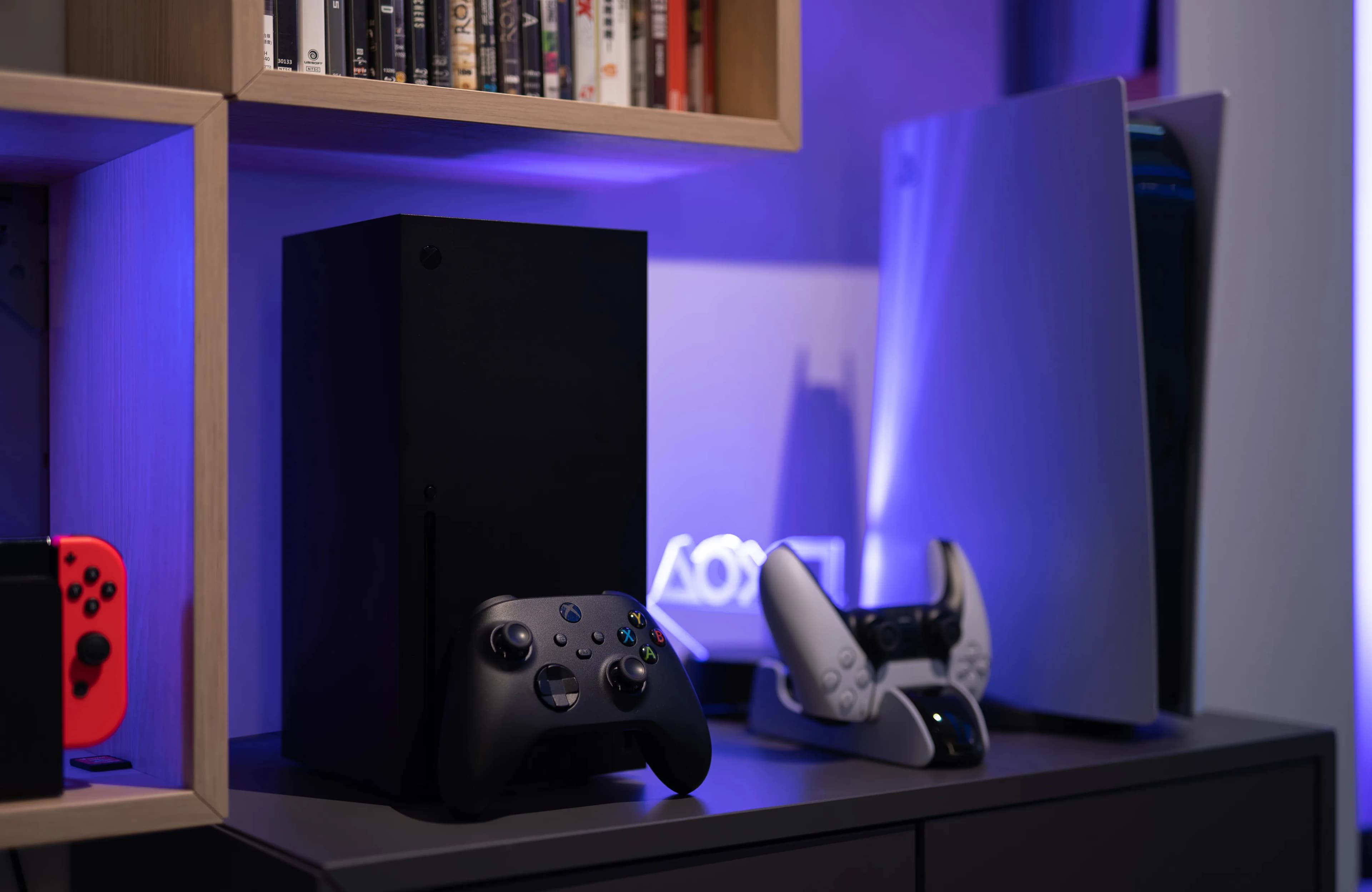
How to Download GTA 6 on Xbox Series X|S
- Buy or pre-order the game on the Microsoft Store.
- On November 12, go to My games & apps → Full library and find Grand Theft Auto VI.
- Select Install.
To make the game download automatically:
- Sleep mode: go to Settings → General → Power options and choose Sleep.
- Automatic updates: go to Settings → System → Updates and turn on Keep my games & apps up to date.
You can also start the download remotely with the Xbox app on your phone while your console is in Sleep mode.
How to Redeem the Code From the Physical Edition
There’s no disc in the GTA 6 physical edition, only a download code. Boxes are sold separately for PS5 and Xbox, and each code only works on its own platform. Here’s how to redeem it:
- PS5: PlayStation Store → “…” menu → Redeem Codes, then enter the code.
- Xbox: Microsoft Store → Redeem, or go to redeem.microsoft.com.
Once redeemed, the game shows up in your library. From there, it works just like the digital version, including preloading from November 12.
Can You Play GTA 6 on PS5 Digital Edition and Xbox Series S?
Yes. The physical edition contains only a download code, so it works on consoles without a disc drive too, including the PS5 Digital Edition and the Xbox Series S. Just redeem the code and download the game as usual.
How Much Storage Do You Need for GTA 6?
The official GTA 6 file size hasn’t been announced yet. We recommend freeing up at least 150 GB in advance, especially on the Xbox Series S. You can only play from the internal SSD or an expansion drive, not from an external USB drive. Size estimates, free space on each console and how to make room are covered in GTA 6 File Size.
How Long Will GTA 6 Take to Download?
It depends on your internet speed. Here are rough estimates for a 150 GB download:
- 10 Mbps: ~33 hours
- 50 Mbps: ~7 hours
- 100 Mbps: ~3.5 hours
- 300 Mbps: ~1.1 hours
- 500 Mbps: ~40 minutes
Servers will be overloaded in the first few days, so real speeds may be lower. That’s why it’s best to download the game early, on November 12.
GTA 6 Not Downloading or Not Launching? Try This
- The game is downloaded but won’t launch. That’s expected before November 19. The game only unlocks on release day.
- The download won’t start. Check that you have enough free space and that the game appears in your library. If you bought a code, make sure you’ve redeemed it.
- The download is very slow. Pause and resume it, switch from Wi-Fi to a wired connection, or leave it running overnight.
- The game isn’t in your library. Make sure you’re signed in to the account you bought it with.
Can You Download GTA 6 for Free?
No. There’s no free, trial or demo version of GTA 6. Rockstar hasn’t announced that the game will be part of Game Pass or PS Plus. Sites promising a “GTA 6 free download,” a “cracked version” or a “free key” are scams.
Can You Download GTA 6 on PC or Mobile?
No. GTA 6 is only coming to PS5 and Xbox Series X|S. A PC version hasn’t been announced, there’s no mobile version, and any “GTA 6 APK” is fake. For the PC version, cloud gaming and emulators, see GTA 6 PC Release.
Beware of Fake GTA 6 Downloads
Fake “leaked GTA 6 builds” are circulating online, and some of them contain malware, as reported by Cybernews and CyberInsider. Only buy the game from official stores. Learn how to spot fakes in GTA 6 Scams.
Pre-Download Checklist
- Buy or pre-order the game from an official store.
- If you have the physical edition, redeem the code.
- Free up at least 150 GB on your SSD.
- Turn on auto-download and Rest Mode or Sleep.
- Connect your console with an Ethernet cable if possible.
- On November 12, check that the download has started.
Read next: GTA 6 File Size · GTA 6 Preload · GTA 6 PC Release
Sources
FAQ
Where can I download GTA 6?
On the PlayStation Store, the Microsoft Store or the Rockstar Store. You can also buy the physical edition with a code from retailers.
When can I download GTA 6?
Preloading starts on November 12, 2026, and you can play from November 19.
How long does GTA 6 take to download?
About 3–4 hours at 100 Mbps, or about 7 hours at 50 Mbps.
Can I download GTA 6 for free?
No. There’s no free version, and “free download” sites are scams.
Why won’t my downloaded GTA 6 launch?
GTA 6 is locked until November 19. It unlocks on release day.